

Watch highlights: https://youtu.be/ubToTX1heWo?si=zhhvlNF7rrHikA_-
This workshop also includes the accompanying 30 page PDF guide which you can keep!
Master Your Graphics Tablet & Transform Your Photoshop Brushwork
I know so many of us have a graphics tablet sitting in a drawer somewhere, gathering dust. Perhaps you bought one with the best intentions, felt completely overwhelmed by how sensitive the pen was, and went straight back to your trusty mouse.
You are definitely not alone in that! The transition from a mouse to a pen can be a bit frustrating at first. But if you are prepared to spend just a little bit of time learning how to configure it properly, it will completely transform the way you edit.
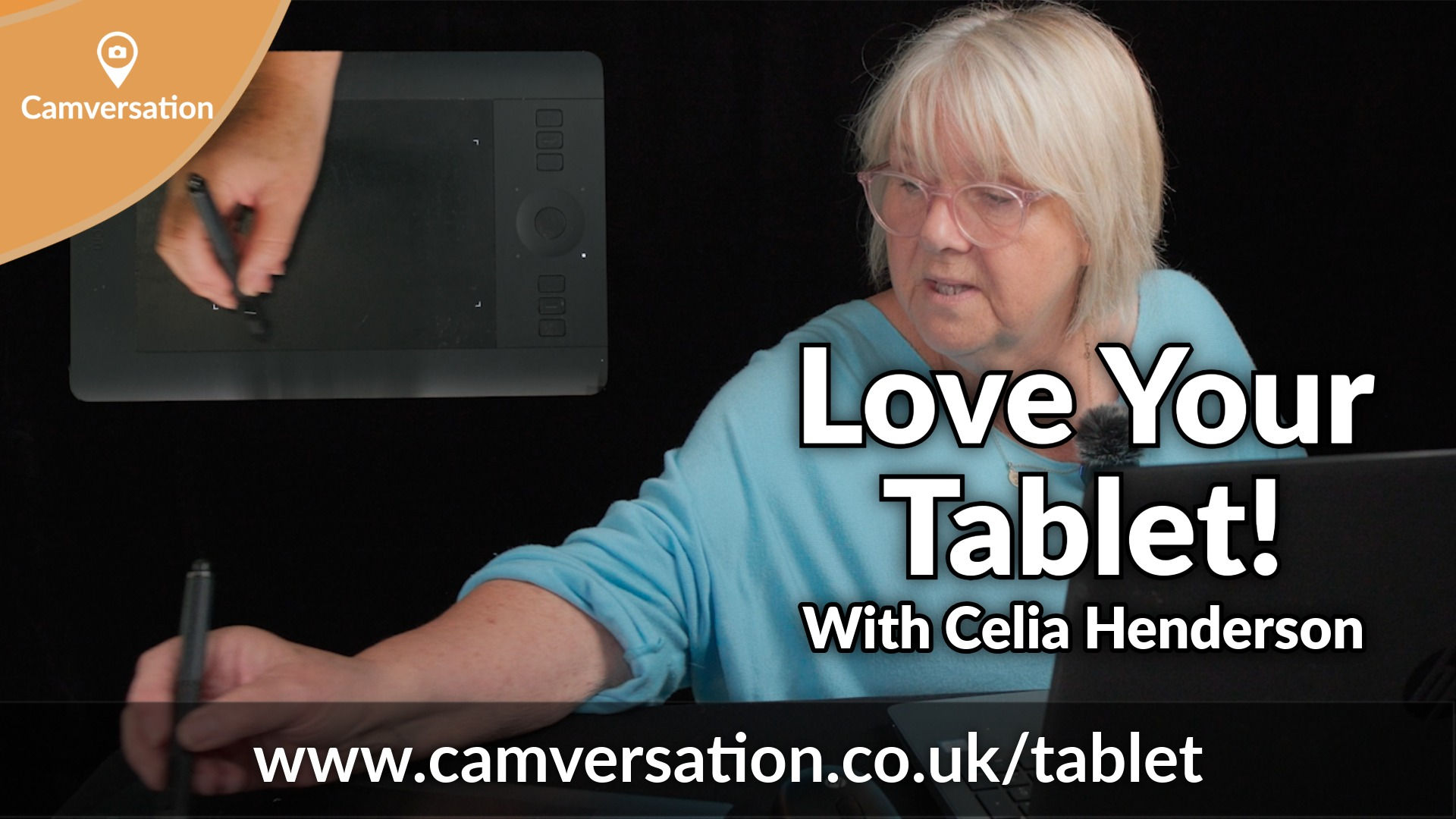
We recently had the wonderful pleasure of welcoming our community-favourite presenter, Celia Henderson, into the studio to record this exclusive workshop. Celia is an master of digital artistry and in this studio production, she breaks down everything you need to know to finally make friends with your pen and tablet.
We designed this production to be as clear and visual as possible. When we were filming, we set up a dedicated overhead camera angle to show you exactly how Celia positions her hands on the physical express keys and touch ring.
Celia takes you step-by-step through the configuration panel to adjust the tip feel so that it responds perfectly to your natural hand pressure.
This isn't a fast-paced, stressful tutorial. Celia teaches with a wonderfully calm, gentle, and encouraging approach that makes mastering these technical skills an absolute joy.
The Studio: Built For Real Learning
This is a studio Production, which means it is a pre-recorded workshop filmed right here in our studio. Unlike a standard live Zoom call recording, you get crystal-clear close-ups of the software interface and a recording that capture every nuance of the pen work.
What You Will Learn
Throughout this practical workshop, Celia will guide you through:
Tablet Setup & Mapping: Discover how to map your tablet to your monitor correctly and switch on Forced Proportions so your circles stay perfectly round instead of turning into ellipses.
Pen Customisation: Learn how to assign your most-used Photoshop commands to your pen buttons. Celia shares her excellent trick for configuring the pen's eraser to act as an instant Alt + Backspace foreground fill shortcut!
On-Screen Shortcuts: Set up quick-access menus for changing brush sizes, cycling through blend modes, and resetting default colors without ever reaching for your keyboard.
Pressure-Sensitive Brush Controls: Master Shape Dynamics and Transfer Properties. Learn how to naturally vary the size, opacity, and flow of a round brush simply by changing how hard you press.
Organic Dodging, Burning, and Smudging: Take the guesswork out of selective adjustments. Learn to control exposure and strength jitters through natural hand pressure for incredibly subtle, non-destructive blending.
Advanced Pen Tilt & Bristle Angles: See how tilting your pen physically changes the angle of bristle, foliage, and concept brushes for realistic digital painting.
The Magic of Color Dynamics: Discover a fascinating Photoshop feature unique to pen users—painting with two entirely different colors simultaneously, blending seamlessly between foreground and background shades based purely on your touch.
Details:
Length: Over 50 minutes of practical, step-by-step guidance
Level: Beginner to Intermediate
Hardware/Software Covered: Wacom Tablet Properties (applicable to most tablet brands) & Adobe Photoshop Brushes
